Control cost, documents and site work — from tender to handover.
Budget, contracts, RFIs, drawings, quality and safety for every project in one connected system — so problems show up while you can still fix them.
Free plan · No card needed · Pay later by PayPal or bank transfer
What is ZENTRAC?
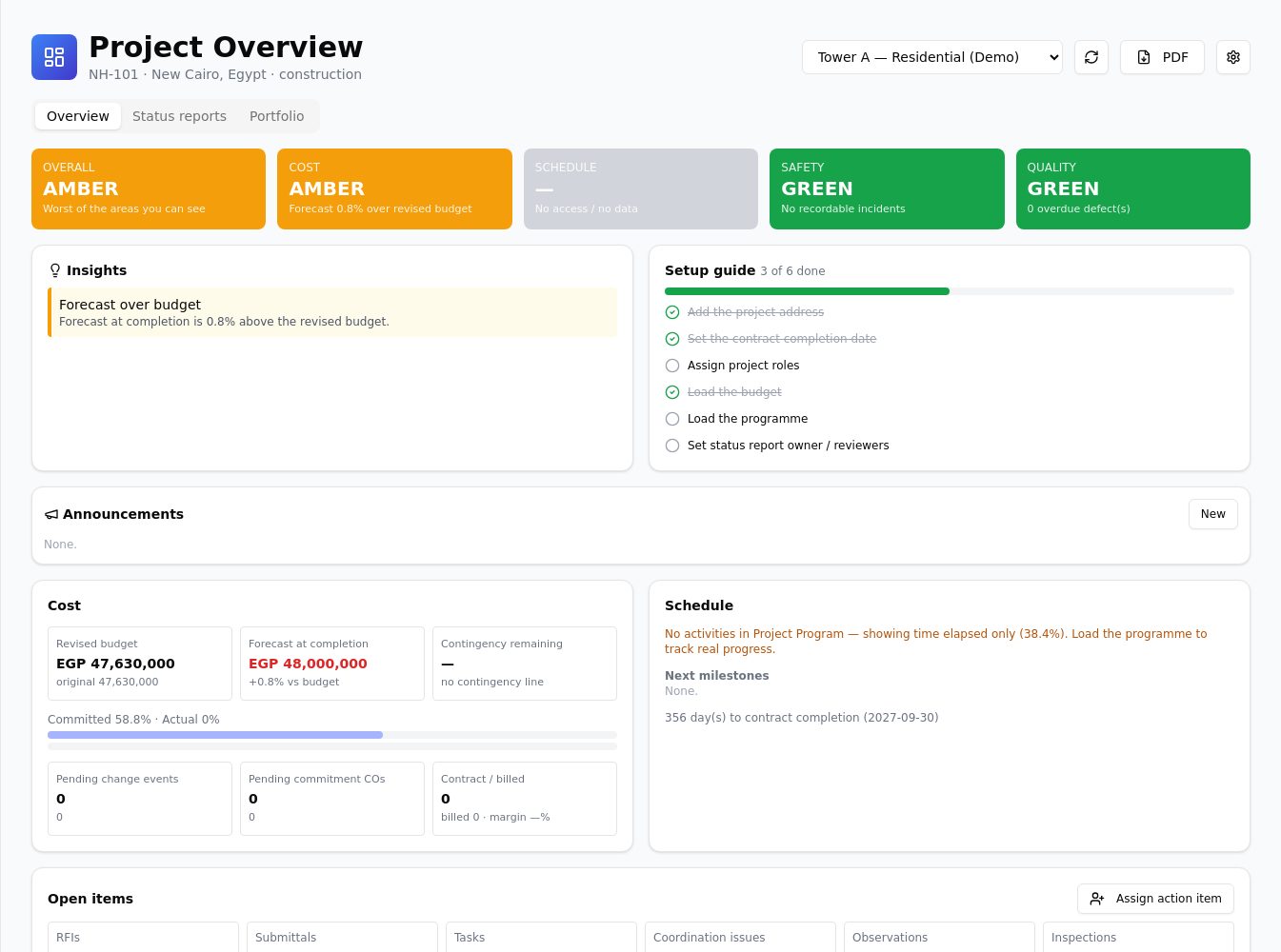
ZENTRAC is construction cost control and project management software. It connects what you spend with what happens on site, so every project's cost and site records sit in one system.
Budget
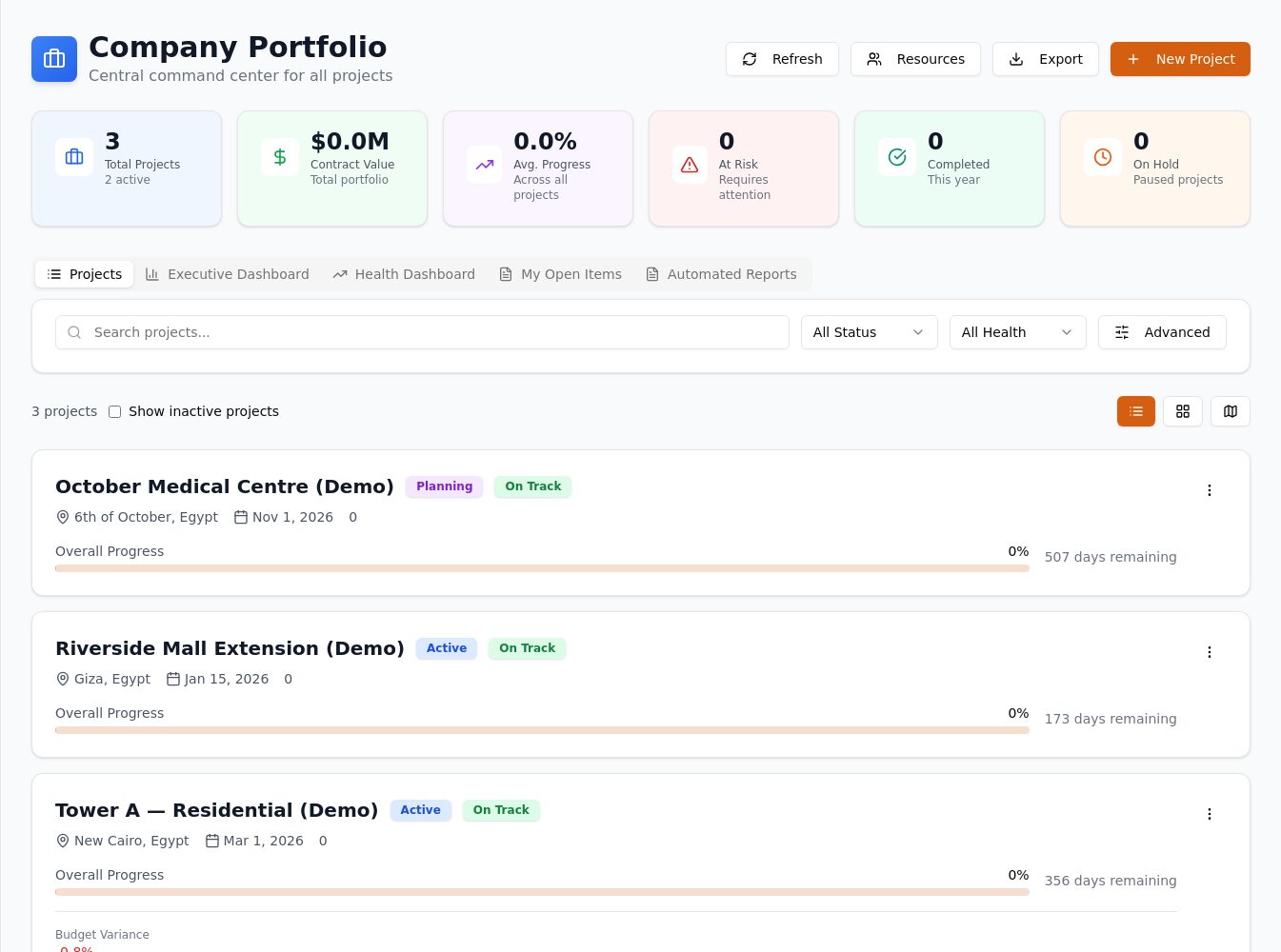
Original, revised, committed, actual and forecast cost for every cost code.
Commitments
Subcontracts and purchase orders tracked against the budget.
Change events
Variations linked to RFIs, instructions and commitments, with approvals and audit history.
Timesheets
Crew hours by cost code and activity, with approvals.
Site diary
One diary per day with contributors, review and lock, plus manpower and delay reports.
Site teams
Workers by company and trade, check-in and roll call, inductions and certificates.
Equipment manager
Fleet register, assignment to projects, arrival and departure, and hours by cost code.
Daywork
Time and materials tickets for extra work, signed by the client through a link.
What changes on your projects
The problems every site team knows — and what they look like in ZENTRAC.
Cost overruns discovered at month-end, when it's too late to act.
Live budget: original, revised, committed, actual and forecast for every cost code, updated as work happens.
RFIs, drawings and approvals scattered across email, WhatsApp and shared drives.
One register per tool with ball-in-court, due dates, reminders and a full history of who did what.
Variations argued over for weeks because nobody can find the paper trail.
Change events linked to RFIs, instructions and commitments, with approval workflows and audit history.
Built for everyone on the project
Main contractors
- Budget, commitments and change control in one place
- RFIs, submittals, drawings and site records per project
- Progress billing to your client
Subcontractors
- See only the projects and items you're invited to
- Answer RFIs, submit submittals and invoices
- My Open Items: everything waiting on you
Consultants & designers
- Review submittals and respond to RFIs on time
- Issue drawings, specifications and instructions
- Coordination issues on the 3D model
Owners & developers
- Funding, client contracts and payment applications
- Project and portfolio reports
- Clear status without chasing the contractor
One system for every stage
More than 60 tools that share the same projects, people, cost codes and permissions.
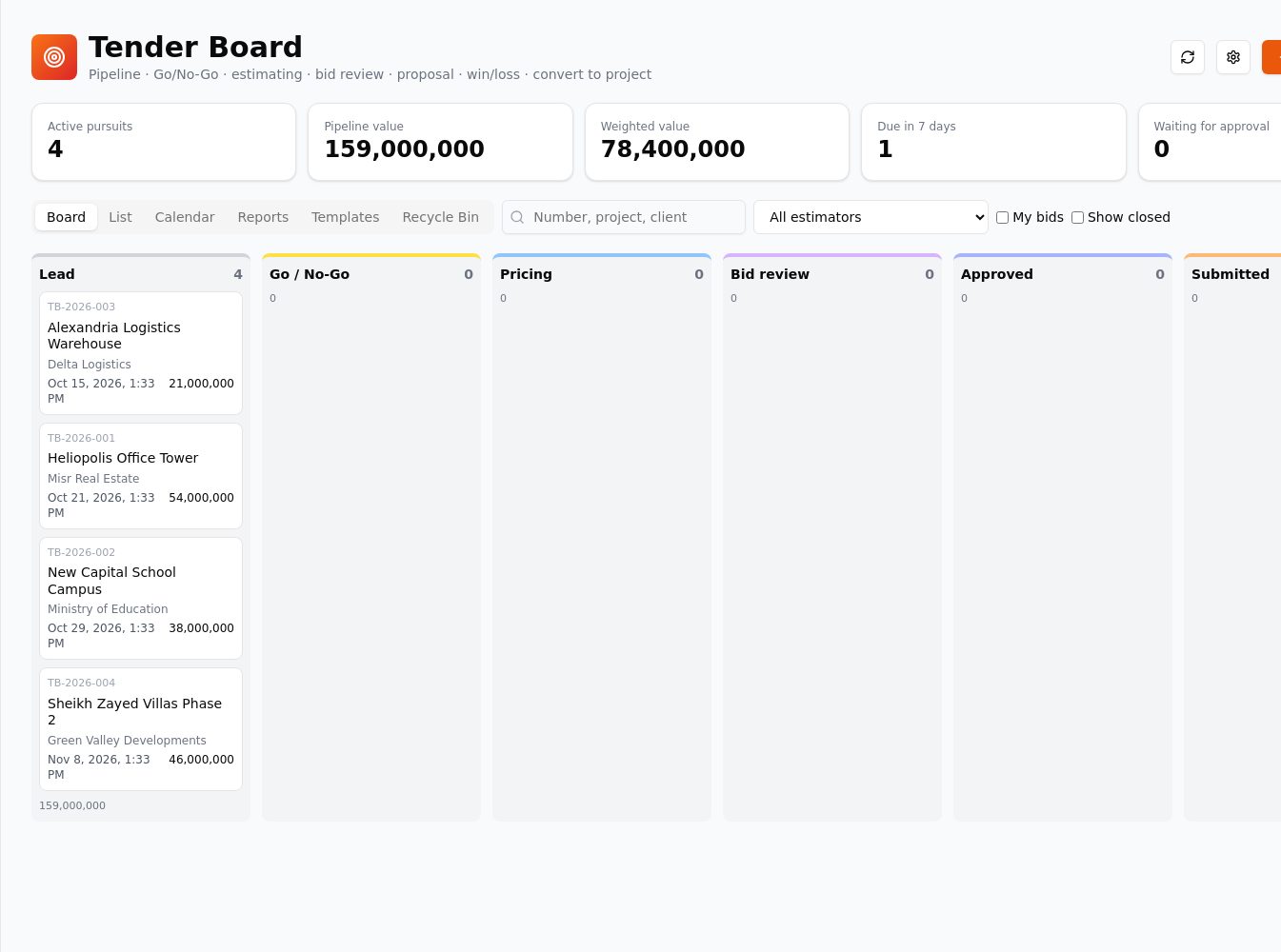
Tender
- Tender Board
- Tendering & bid packages
- Estimating
- Cost catalogue
- Subcontractor prequalification
- Planroom
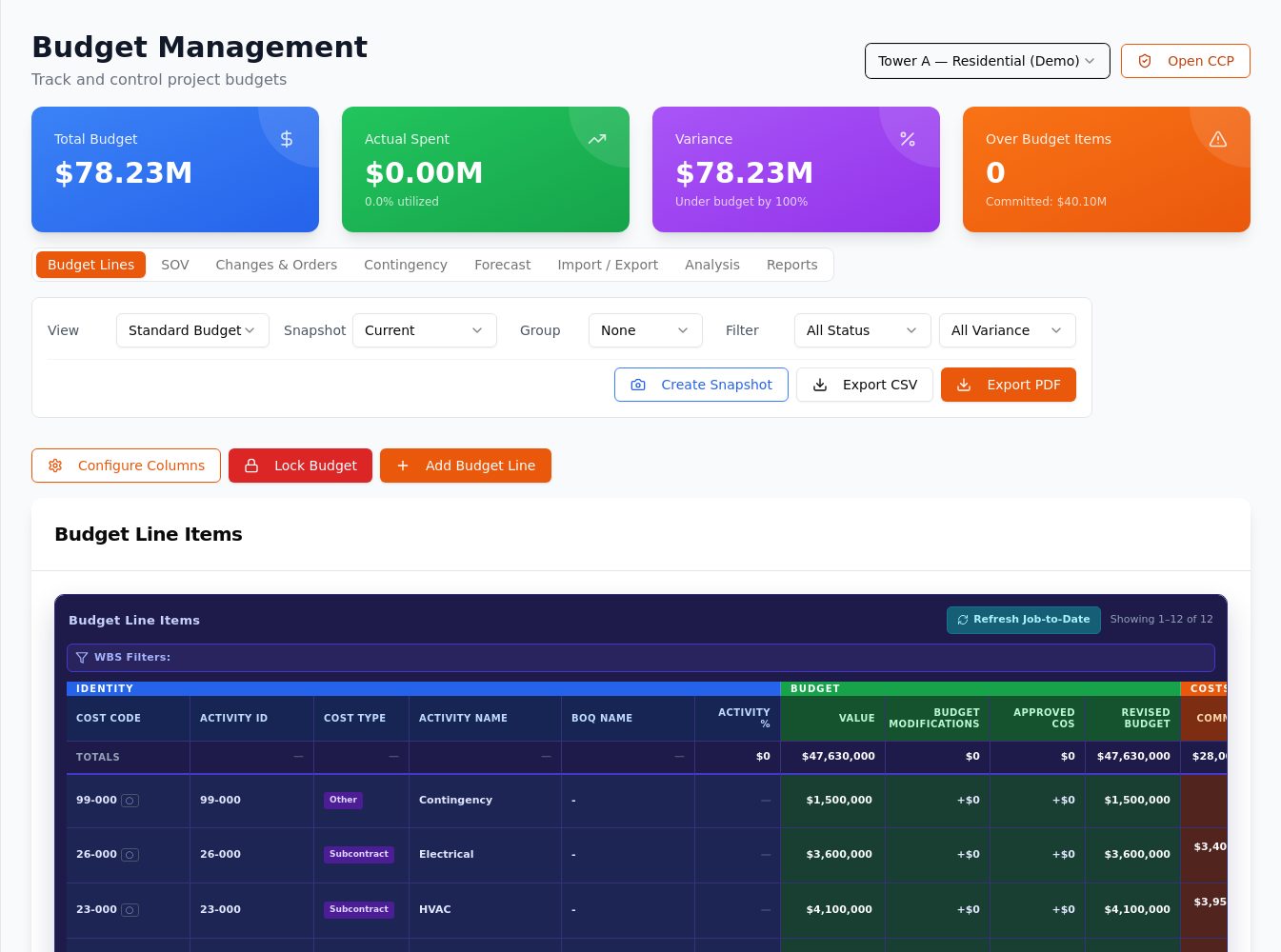
Contract & Cost
- Budget & forecasting
- Commitments (subcontracts & POs)
- Client contracts & funding
- Change events & variations
- Direct costs
- Cost codes & WBS
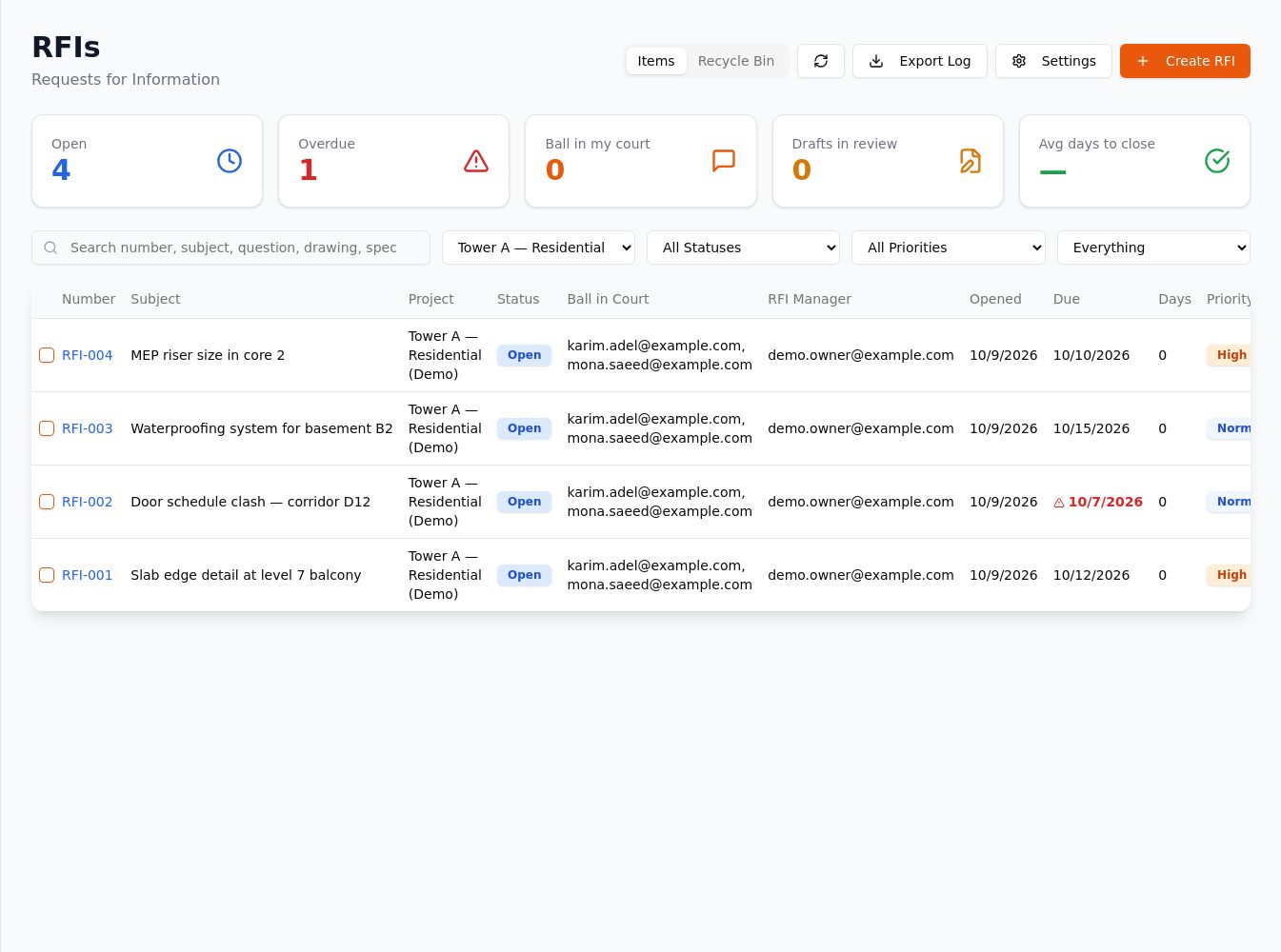
Build
- RFIs & submittals
- Drawings & 3D models
- Specifications
- Transmittals & correspondence
- Project programme (MS Project / P6 import)
- Site diary, daywork, timesheets, photos
Quality & Safety
- Inspections & checklists
- Observations
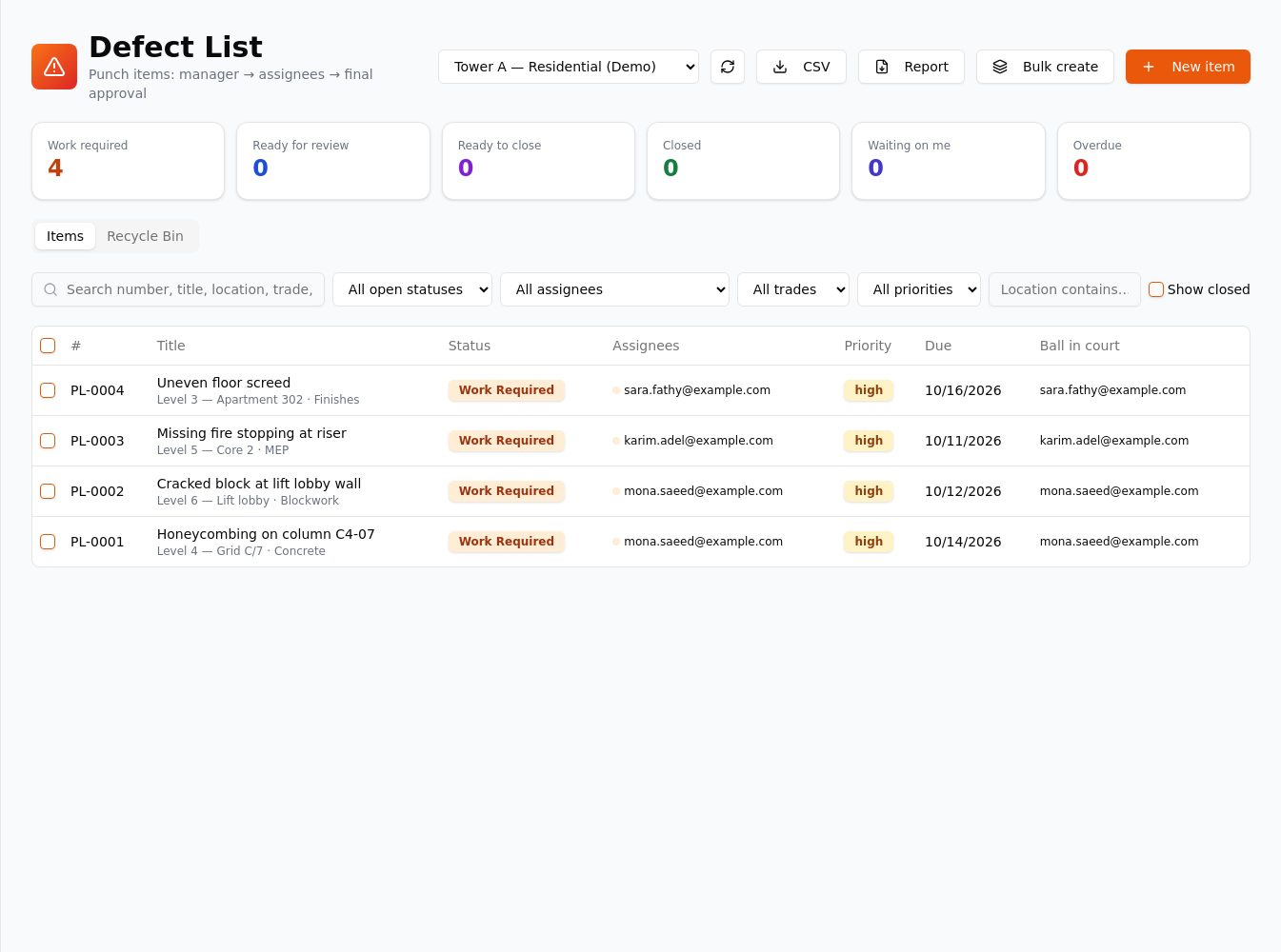
- Defect / punch list
- Incidents
- Action plans
- Coordination issues
Control & Close-out
- Progress billings & invoices
- Approval workflows
- Documents with permissions
- Project & company reports
- Analytics dashboards
- Meetings & tasks
Spreadsheets & chat groups vs. ZENTRAC
| Excel, email & WhatsApp | ZENTRAC | |
|---|---|---|
| Budget vs. actual | Rebuilt by hand in Excel each month | Live, per cost code, with forecast |
| RFIs & submittals | Email threads and WhatsApp messages | Registers with due dates, reminders and ball-in-court |
| Drawings | Old revisions circulating on site | Current set, revision history, markups |
| Site records | Paper diaries and photos on personal phones | Daily diary, daywork, timesheets and photos per project |
| Approvals | Signatures chased in person | Workflows with steps, deadlines and audit trail |
| Who sees what | Everyone gets every file | Permissions per company, project and tool |
Estimate what it's worth to you
Use your own numbers — change any of them.
Your estimate
42 hours / month
≈ 630 per month in staff time (in the currency of your hourly cost)
For comparison, the Essentials plan costs 299 USD per month for your whole company.
This is an estimate based only on the numbers you enter — not a promise of results.
Simple pricing per company
One price for your whole company — not per user. Start free, upgrade when you grow.
Pay by PayPal or bank transfer / InstaPay. Plans activate once payment is confirmed.
Your data stays separate
Every company's data is kept apart on the server, and people only see the projects and tools you give them.
Your data stays yours
Export lists and reports to Excel or PDF whenever you need them. Nothing is deleted if you stop paying.
Help inside the app
Raise a support ticket from any screen and follow the replies — the page and project are attached automatically.
Questions
ZENTRAC is construction cost control and project management software. It keeps budget, commitments, change events, timesheets, site diary, site teams, equipment and daywork for every project in one web-based system.
Main contractors, subcontractors, consultants, designers, owners and developers. Each company invites its people and partners, and permissions decide what each person can see.
Each cost code shows original budget, revised budget, committed cost, actual cost and forecast. Commitments, change events, direct costs, timesheets and equipment logs feed the same cost codes, so overruns show up while the work is still going on.
Yes. Every new company gets every tool free for 30 days, no card needed. After that the Free plan carries on with no time limit: the core tools, 1 project and 2 staff users — subcontractors and partners are always free. Upgrade when you need more projects, users or tools.
By PayPal or by bank transfer / InstaPay. Your plan is activated as soon as we confirm the payment, and you get a receipt in Billing.
Yes. Invite them to a project with a permission template; they only see what you allow. Invited people count towards your plan's users.
You get a 7-day grace period, then the company moves to Free plan limits. Nothing is deleted — renew any time to continue.
Yes. Import schedules from MS Project (XML), Primavera P6 (XER) or CSV, and import budgets, cost codes, directories and more from Excel. Most lists and reports export to Excel or PDF.
Yes. Every company's data is kept separate on the server, and access inside your company follows the permissions you set.
The app is available in English, Arabic, French and Chinese, and each person can choose their language. Arabic names and text are fully supported in your data and in the PDF reports.
Use the Help button inside the app to raise a ticket and follow the replies from the support team.